
01
Share how your business works
Add your goals, processes, voice, and company knowledge once. This becomes the context your AI employees use to make decisions and produce work that fits your business.

Supervised, on the record, and tuned to how your team works.
Trusted by operations teams at
24/7
Designed to keep work moving across hours and time zones
On record
Actions include their reason, source, and outcome
3 modes
Observe, assist, or let approved work run autonomously
200+ tools
Connected with least-access permissions by default
AI employees
Start with the part of the business where repeatable work is already slowing people down.
Live queue · 3
Refund status
2mCustomer needs help with…
Plan access
8mCustomer needs help with…
CSV export
14mCustomer needs help with…
Refund not showing
Elena R. · Growth plan
Grounded in company context
AI employee / 01
Resolve routine requests and give people the context they need for exceptions.
Ticket triage
Classify urgency, intent, and the right owner as requests arrive.
Reply drafting
Use your knowledge base and account context to prepare useful answers.
Exception handling
Escalate refunds, risk, and edge cases with the relevant facts attached.
Knowledge upkeep
Spot recurring questions and propose documentation updates.
How it works
One request moves through five visible states, from the first signal to finished work with the evidence attached.
142
Signals observed today
Nothing disappears into a black box
Simple setup
Add your business context, connect the tools a role needs, and choose how it should work. No complex configuration or technical setup required.
Add your goals, processes, voice, and company knowledge once. This becomes the context your AI employees use to make decisions and produce work that fits your business.
Choose the apps and accounts required for the role. Syntrum brings the relevant data and actions together without changing how your team already works.
Define responsibilities, success criteria, permissions, and approval rules. Start with review so you can see exactly how the employee handles real work.
Put the employee to work inside the boundaries you set. Increase autonomy as trust grows while every action, decision, and result stays on the record.
The platform
Start with review, increase autonomy when trust is earned, and require approval for the actions that matter.
Approval needed
Send pricing follow-up
Mara → Gmail · new contact
Begin in review mode. Increase autonomy by role, while sensitive actions keep waiting for a person.
Each employee gets only the tool access its job requires.
Every action keeps its context, approval, and outcome attached.
Correction · saved
“Always cc the account owner on pricing replies.”
Applied to all future outreach
Corrections become durable guidance instead of vanishing in chat history.
Today · 17:00
Completed11
Waiting on you2
Needs attention1
What finished, what waits on you, and what needs attention — in plain language.
Workflows
Start with a proven workflow, connect the tools it needs, and decide which actions run independently or wait for review.
Sales workflow
Every new inquiry gets researched, qualified, and turned into a relevant next step while interest is still fresh.

Syntrum · live work
Lead follow-up / Acme
Account found
Maya Chen
VP Operations · Acme
IntentHigh
Last touch18 days
OwnerNadia C.
Drafted reply
Tomaya@acme.co
SubjectReducing the handoff backlog
Hi Maya — I noticed Acme is expanding operations. We help teams remove the repetitive work between intake and follow-up…
Relevant follow-up ready
Reason and sources attached · waiting for you
Integrations
Pre-built connections for the systems your business runs on — with least-access scope by default. Zapier and webhooks for everything else.
Customers
The sales employee qualified and drafted follow-ups for every inbound lead overnight. We review in the morning and hit send.

Maya Chen
Head of Revenue, Lakemont
3×
Faster lead response
FAQ
Short answers to what teams ask most before their first agent goes to work.
Still have questions? Talk to usSyntrum is an AI workforce platform for hiring and supervising AI employees. Each employee has a defined role, company context, access to approved tools, operating rules, and a record of every action it takes.
A chatbot waits for prompts and returns answers. A Syntrum AI employee is assigned ongoing work, uses approved business tools, follows your policies, asks for decisions when needed, and carries tasks through to a finished, auditable result.
Teams use Syntrum for repeatable work across sales, customer support, finance, marketing, and operations. Examples include qualifying leads, drafting follow-ups, triaging support requests, preparing reconciliation evidence, updating records, and coordinating recurring workflows.
Yes. You can require human approval before external or sensitive actions, including sending messages, changing records, or taking financial actions. The approval shows the exact proposed action and its context, so reviewers know what will happen before they approve it.
Access is scoped by workspace, employee, and connected tool. Policies are enforced on actions, not left as prompt suggestions. Syntrum records the employee, integration, outcome, risk level, approval history, and reason each action was allowed.
You can begin with one role and one repeatable workflow: choose a template, connect the required tools, set permissions and approval rules, then test the employee on real work. The right starting point is a measurable task your team already performs regularly.
Resources · 05
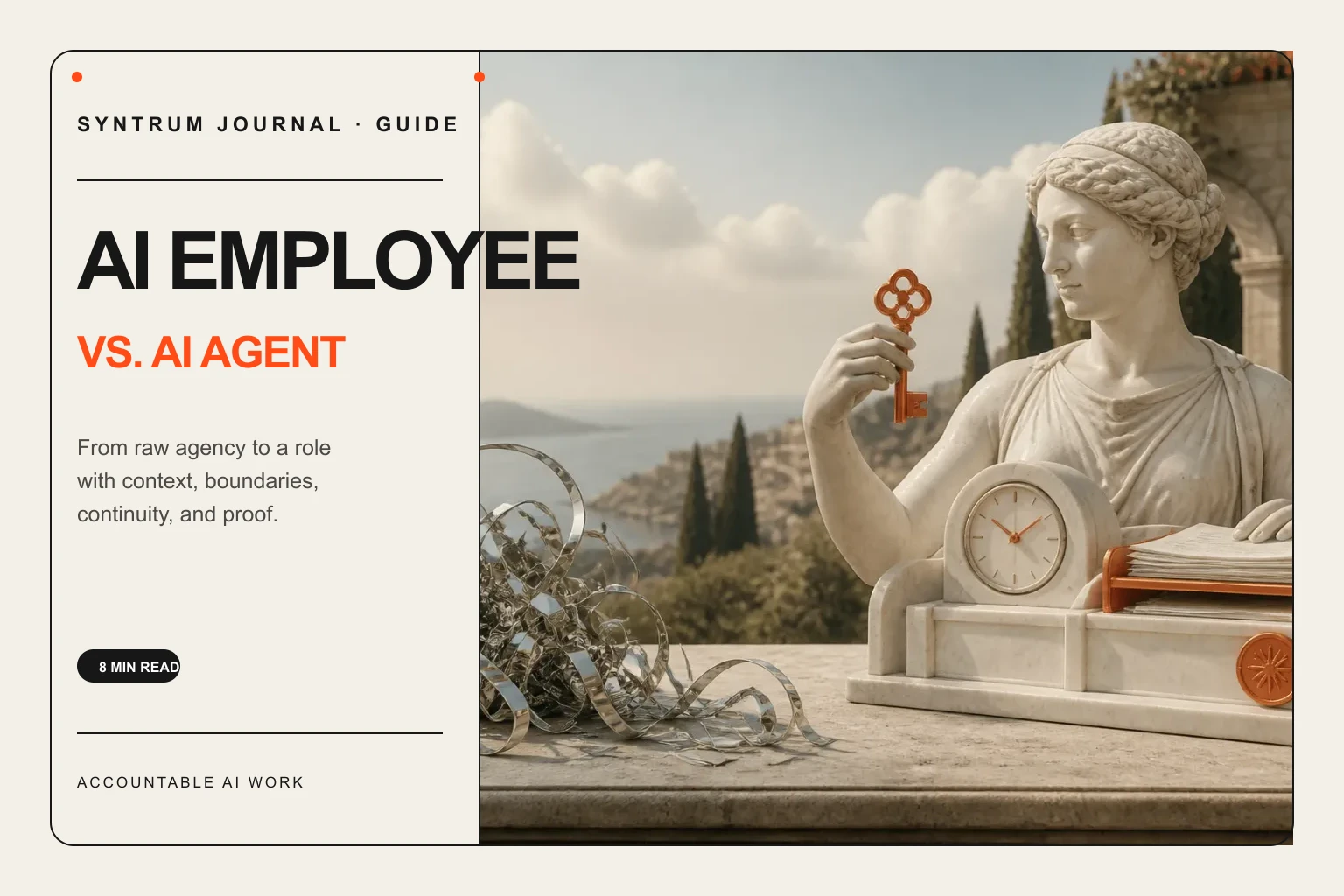
Compare AI employees and AI agents, learn where each fits, and see what businesses need before autonomous software can own real work.
Guide
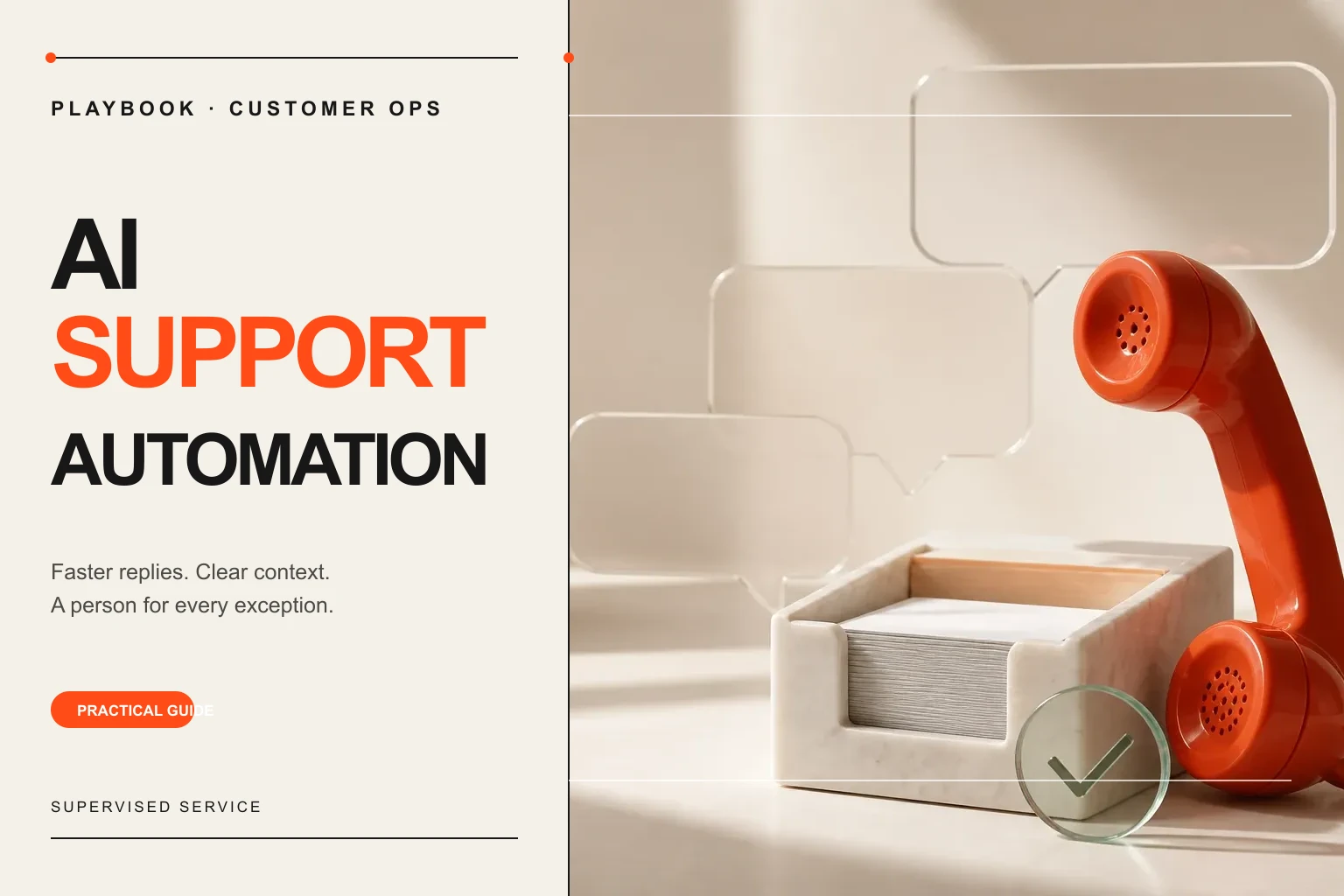
Learn how to automate customer support safely, from ticket triage and reply drafts to approvals, escalation rules, and measurable outcomes.
Playbook

Build a reliable AI sales assistant for lead research, personalized follow-up, CRM updates, and timely handoffs without losing human control.
Playbook

Learn how human-in-the-loop AI works, where approvals matter, and how to design safe automation without turning every action into manual review.
Guide

A practical AI employee implementation roadmap covering role selection, tool access, supervision, success metrics, and responsible autonomy.
Guide

Start small
Start with one repeatable job. Keep approval over every action, see the results, and expand when you are ready.